> For the complete documentation index, see [llms.txt](https://docs.catchify.sa/llms.txt). Markdown versions of documentation pages are available by appending `.md` to page URLs; this page is available as [Markdown](https://docs.catchify.sa/catchify-platform-documentation/penetration-testing/requesting-retest.md).
# Requesting a Retest
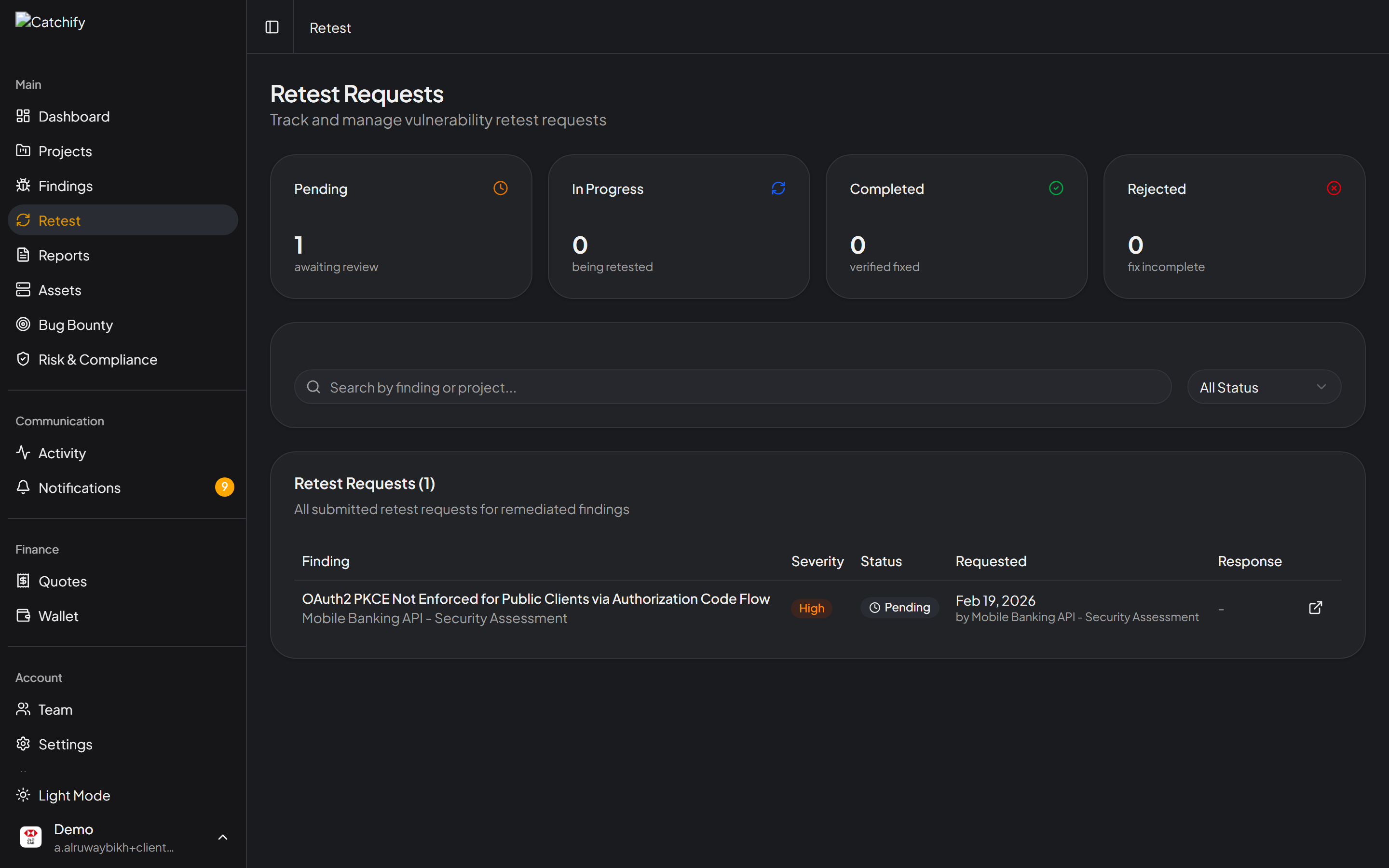
After your development team has fixed a security finding, you can request a retest through the portal. A retest means the Catchify team will verify that the fix actually resolves the vulnerability -- giving you confidence that the issue is truly closed.
## Why Retesting Matters
Fixing a vulnerability is only half the job. Without verification, you cannot be sure that:
* The fix fully addresses the root cause (not just the symptom)
* The fix did not accidentally introduce a new vulnerability
* The finding can be officially marked as resolved
Retesting turns a "we think it is fixed" into a "we know it is fixed."
{% hint style="info" %}
Retests are performed by the same Catchify researchers who identified the original finding, so they know exactly what to look for.
{% endhint %}
## How to Request a Retest
1. Navigate to the finding you have fixed (through **Projects** or **Findings** in the main menu)
2. Open the finding detail page
3. Change the finding status to **Fixed** if you have not already
4. Click the **Request Retest** button
Click Request Retest after your team has applied the fix
5. Add a brief note describing what was changed (optional but recommended -- this helps the Catchify team verify efficiently)
6. Click **Submit**
{% hint style="success" %}
Including details about your fix -- such as what was changed and where -- helps the Catchify team complete the retest faster. For example: "Added input validation on the login form to prevent SQL injection" is much more helpful than "Fixed it."
{% endhint %}
## What Happens After You Request a Retest
Once you submit a retest request, here is what to expect:
| Step | What Happens | Typical Timeframe |
| ---------------------- | -------------------------------------------------------------------------------------------------------------------------------- | ----------------- |
| **Request received** | The Catchify team is notified and the finding status changes to **Retest Requested** | Immediate |
| **Retest in progress** | A security researcher verifies the fix using the original reproduction steps | 1-3 business days |
| **Result: Pass** | The fix is confirmed. The finding status changes to **Verified**. | -- |
| **Result: Fail** | The vulnerability is still present or partially fixed. The finding returns to **Open** with a comment explaining what was found. | -- |
## If the Retest Fails
If the Catchify team finds that the vulnerability is still exploitable after your fix, they will:
* Add a detailed comment to the finding explaining why the retest failed
* Include updated reproduction steps if the behavior has changed
* Set the finding back to **Open**
You can then review the feedback, apply a revised fix, and request another retest.
{% hint style="warning" %}
A failed retest does not mean your effort was wasted. Partial fixes often reduce the severity of the issue, and the detailed feedback helps your team get to the right solution faster.
{% endhint %}
## Retest Tips
* **Fix one issue at a time** -- Request retests for individual findings rather than batching many together. This makes it easier to track what passed and what did not.
* **Test internally first** -- Before requesting a retest, have your own team verify the fix using the reproduction steps in the finding.
* **Include details** -- The more information you provide about your fix, the faster the retest can be completed.
* **Keep access available** -- Make sure the Catchify team still has the necessary access to retest. If credentials or VPN access have changed, update them before requesting the retest.
## Retest Turnaround
Retests are typically completed within **1-3 business days** of the request. If your engagement includes an SLA with specific retest turnaround times, those commitments apply.
If you need an expedited retest for a critical finding, contact your account manager and the Catchify team will prioritize it.
---
# Agent Instructions
This documentation is published with GitBook. GitBook is the documentation platform designed so that both humans and AI agents can read, navigate, and reason over technical content effectively. Learn more at gitbook.com.
## Querying This Documentation
If you need additional information that is not directly available in this page, you can query the documentation dynamically by asking a question.
Perform an HTTP GET request on the current page URL with the `ask` query parameter, and the optional `goal` query parameter:
```
GET https://docs.catchify.sa/catchify-platform-documentation/penetration-testing/requesting-retest.md?ask=&goal=
```
`ask` is the immediate question: it should be specific, self-contained, and written in natural language.
`goal` is optional and describes the broader end goal you are ultimately trying to accomplish on behalf of the user. GitBook uses it to tailor the answer towards what is most useful for that goal.
The response will contain a direct answer to the question and relevant excerpts and sources from the documentation.
Use this mechanism when the answer is not explicitly present in the current page, you need clarification or additional context, or you want to retrieve related documentation sections.