> For the complete documentation index, see [llms.txt](https://docs.catchify.sa/llms.txt). Markdown versions of documentation pages are available by appending `.md` to page URLs; this page is available as [Markdown](https://docs.catchify.sa/catchify-platform-documentation/quotes-and-invoices/your-invoices.md).
# Your Invoices
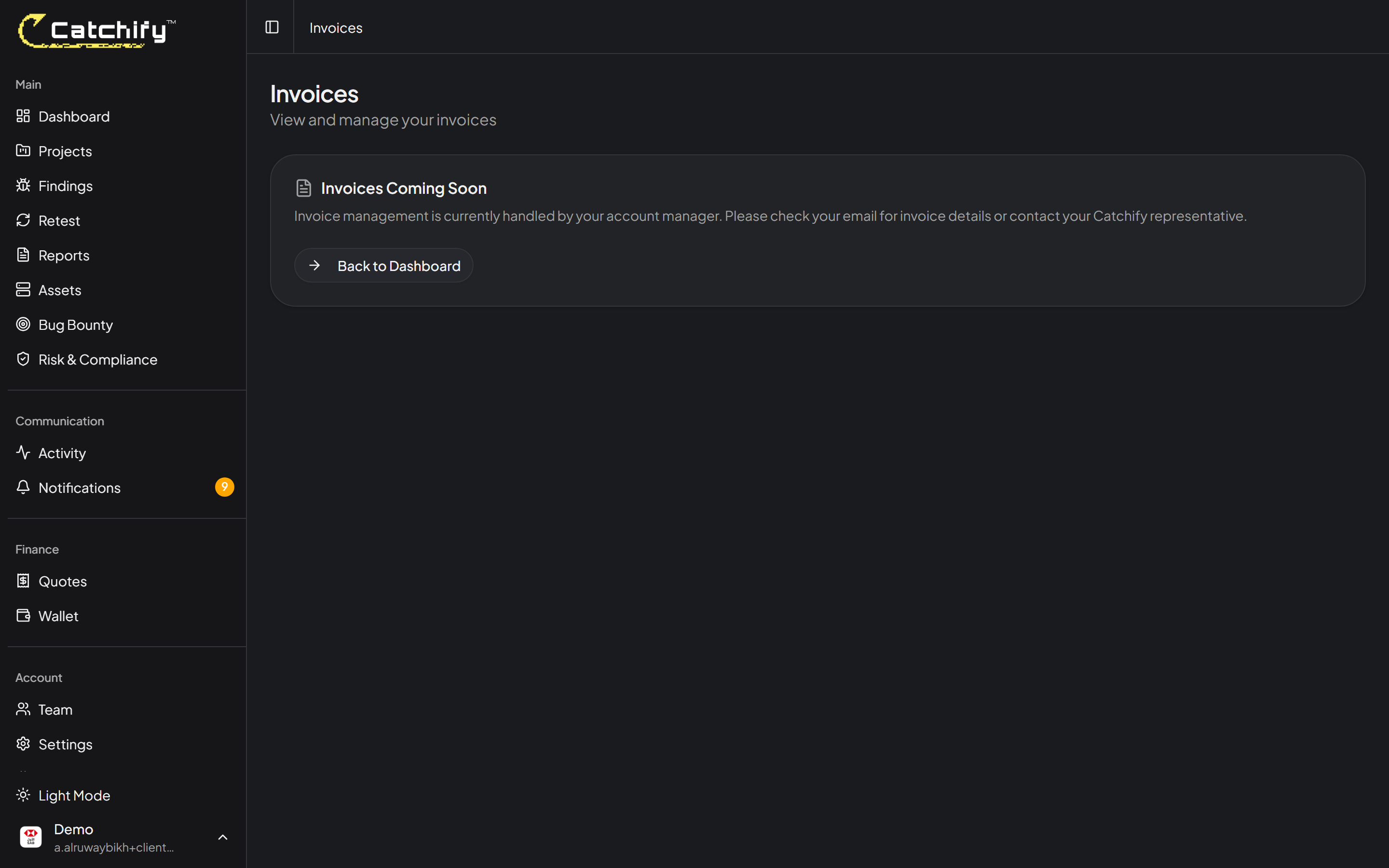
The Invoices page in your Catchify portal gives you a complete view of all invoices associated with your account. Whether for penetration testing engagements, bug bounty wallet top-ups, or other services, you can view, download, and track the status of every invoice in one place.
## Viewing Your Invoices
Navigate to **Invoices** in the main menu to see a list of all your invoices. Each entry shows:
* **Invoice number** -- A unique reference number for the invoice
* **Date** -- When the invoice was issued
* **Amount** -- The total amount
* **Status** -- The current payment status
* **Description** -- What the invoice is for
All your invoices in one place -- view status and download at any time
## Invoice Statuses
| Status | What It Means |
| ------------------ | ---------------------------------------------------------------------------- |
| **Draft** | The invoice is being prepared and has not been finalized yet |
| **Sent** | The invoice has been issued and is awaiting payment |
| **Paid** | Payment has been received and recorded |
| **Overdue** | The payment due date has passed. Please arrange payment as soon as possible. |
| **Partially Paid** | A portion of the invoice has been paid, with a remaining balance outstanding |
{% hint style="warning" %}
If an invoice is marked as overdue, please contact your account manager or email to arrange payment. Overdue invoices may affect your ability to request new engagements.
{% endhint %}
## Viewing Invoice Details
Click on any invoice to see its full details, including:
* **Line items** -- A breakdown of the services or credits included
* **Tax information** -- VAT amounts where applicable
* **Payment terms** -- Due date and accepted payment methods
* **Notes** -- Any additional information from the Catchify team
Click any invoice to see the full breakdown
## Downloading Invoices
You can download any invoice as a PDF for your records, accounting, or compliance purposes:
1. Open the invoice you want to download
2. Click **Download PDF**
3. The invoice will be saved to your computer
## ZATCA Compliance
All Catchify invoices are generated in compliance with ZATCA (Zakat, Tax and Customs Authority) regulations in Saudi Arabia. This includes:
* Proper VAT registration and calculation
* Required fields and formatting per ZATCA standards
* QR code for electronic invoice verification where applicable
{% hint style="info" %}
If your organization requires invoices in a specific format for your accounting system, contact your account manager. We can accommodate most formatting requirements.
{% endhint %}
## Invoice History
Your complete invoice history is available in the portal at all times. You can:
* **Filter by status** -- View only paid, pending, or overdue invoices
* **Filter by date** -- Narrow down to a specific time period
* **Search** -- Find a specific invoice by number or description
This makes it easy to pull up records during audits, budget reviews, or end-of-year accounting.
## Payment Methods
The Catchify team will provide payment instructions on each invoice. Common payment methods include:
* Bank transfer
* Wire transfer
If you have questions about payment options or need to set up a different payment arrangement, your account manager can help.
{% hint style="success" %}
Keeping your invoices up to date ensures uninterrupted access to Catchify services and timely processing of new engagements.
{% endhint %}
---
# Agent Instructions
This documentation is published with GitBook. GitBook is the documentation platform designed so that both humans and AI agents can read, navigate, and reason over technical content effectively. Learn more at gitbook.com.
## Querying This Documentation
If you need additional information that is not directly available in this page, you can query the documentation dynamically by asking a question.
Perform an HTTP GET request on the current page URL with the `ask` query parameter, and the optional `goal` query parameter:
```
GET https://docs.catchify.sa/catchify-platform-documentation/quotes-and-invoices/your-invoices.md?ask=&goal=
```
`ask` is the immediate question: it should be specific, self-contained, and written in natural language.
`goal` is optional and describes the broader end goal you are ultimately trying to accomplish on behalf of the user. GitBook uses it to tailor the answer towards what is most useful for that goal.
The response will contain a direct answer to the question and relevant excerpts and sources from the documentation.
Use this mechanism when the answer is not explicitly present in the current page, you need clarification or additional context, or you want to retrieve related documentation sections.