> For the complete documentation index, see [llms.txt](https://docs.catchify.sa/llms.txt). Markdown versions of documentation pages are available by appending `.md` to page URLs; this page is available as [Markdown](https://docs.catchify.sa/catchify-platform-documentation/your-dashboard/activity-feed.md).
# Activity Feed
Your activity feed is a chronological log of everything happening across your Catchify account. It helps you stay informed about new findings, status changes, comments, and other important events without having to check each project individually.
## Where to Find It
The activity feed is displayed on your dashboard and can also be accessed from the **Activity** section in the main navigation menu. The dashboard shows the most recent items, while the dedicated Activity page shows the complete history.
Your complete activity feed -- every event across all your projects in one place
## What Appears in Your Feed
The activity feed captures events from both penetration testing and bug bounty programs:
| Event Type | Description |
| -------------------------- | ------------------------------------------------------------------------------------ |
| **New Finding** | A new security vulnerability has been discovered in one of your projects |
| **Finding Status Changed** | A finding has moved to a new status (for example, from Open to In Progress) |
| **Retest Completed** | The Catchify team has completed a retest on a finding you submitted for verification |
| **New Comment** | A member of the Catchify team or your own team has added a comment to a finding |
| **Report Submitted** | A new bug bounty report has been submitted by a researcher |
| **Report Status Changed** | A bug bounty report has been triaged, confirmed, or resolved |
| **Project Started** | A new penetration testing engagement has begun |
| **Project Completed** | A penetration test has been completed and the final report is available |
| **Team Member Added** | A new team member has joined your organization on Catchify |
| **Invoice Created** | A new invoice has been generated for your account |
## Filtering Your Feed
If you are looking for specific types of events, you can filter the activity feed by:
* **Event type** -- Show only findings, comments, reports, or other specific event types
* **Project** -- Show activity for a particular project or program
* **Date range** -- Narrow down to events from a specific time period
This is especially helpful when you manage multiple projects and want to focus on what is relevant to you right now.
## Notifications
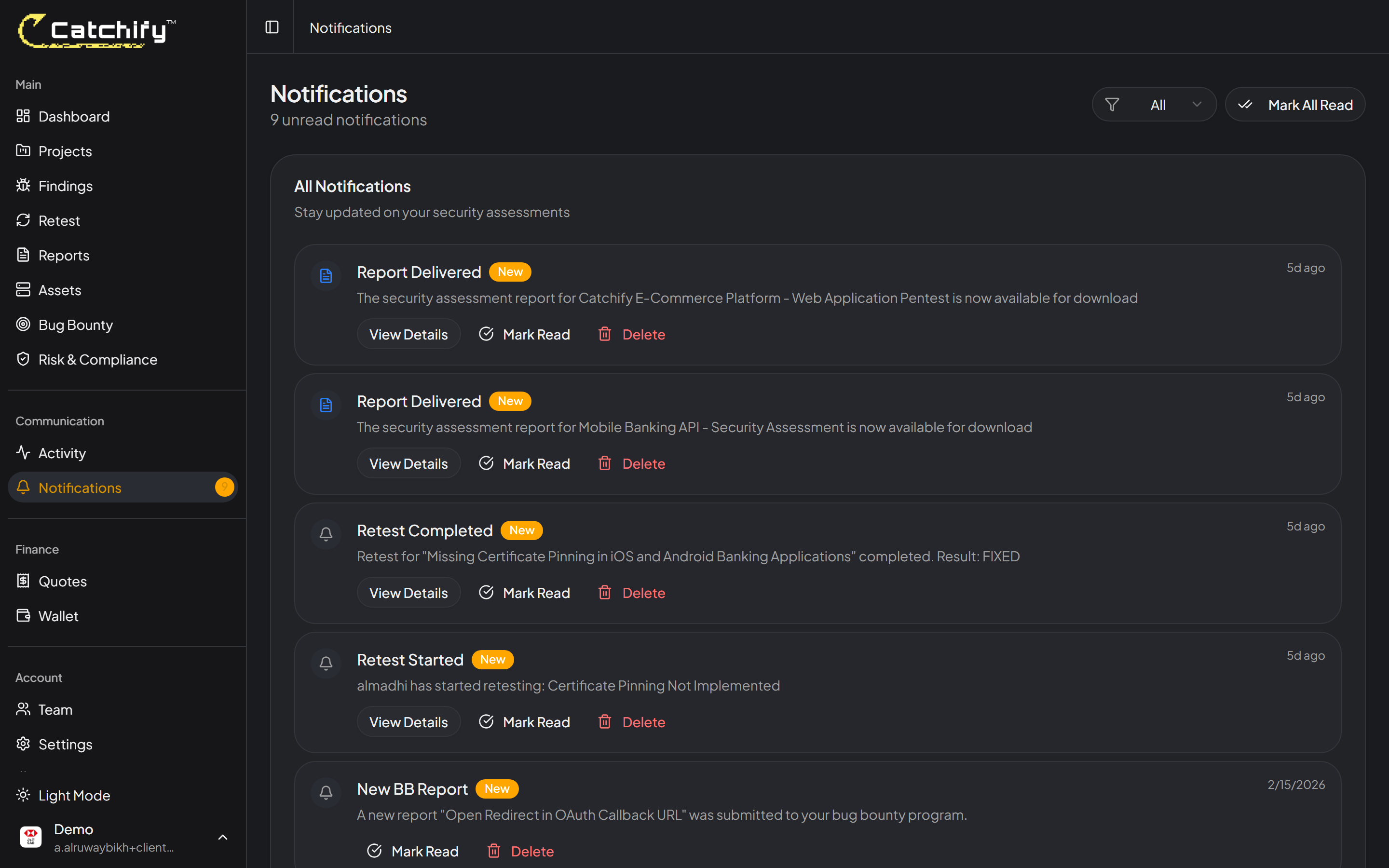
In addition to the activity feed, Catchify sends you notifications for important events. You will see a notification bell in the top-right corner of the portal. A red badge indicates unread notifications.
Click the bell icon to see your latest notifications and quickly jump to the relevant page.
{% hint style="info" %}
Want to receive notifications outside the portal? Connect Catchify to Slack or set up webhook notifications to get updates in your team's communication channels. See the [Integrations](/catchify-platform-documentation/integrations/slack.md) section for details.
{% endhint %}
## Keeping Your Team Informed
The activity feed is shared across your organization's account. All team members with portal access can see the same events, making it easy to collaborate on security issues without needing separate status meetings or email chains.
{% hint style="success" %}
Review your activity feed regularly -- even a quick daily check helps you stay on top of new findings and ongoing remediation efforts.
{% endhint %}
---
# Agent Instructions
This documentation is published with GitBook. GitBook is the documentation platform designed so that both humans and AI agents can read, navigate, and reason over technical content effectively. Learn more at gitbook.com.
## Querying This Documentation
If you need additional information that is not directly available in this page, you can query the documentation dynamically by asking a question.
Perform an HTTP GET request on the current page URL with the `ask` query parameter, and the optional `goal` query parameter:
```
GET https://docs.catchify.sa/catchify-platform-documentation/your-dashboard/activity-feed.md?ask=&goal=
```
`ask` is the immediate question: it should be specific, self-contained, and written in natural language.
`goal` is optional and describes the broader end goal you are ultimately trying to accomplish on behalf of the user. GitBook uses it to tailor the answer towards what is most useful for that goal.
The response will contain a direct answer to the question and relevant excerpts and sources from the documentation.
Use this mechanism when the answer is not explicitly present in the current page, you need clarification or additional context, or you want to retrieve related documentation sections.